https://techwirepro.com/
Is Internet Archive Safe to Use?
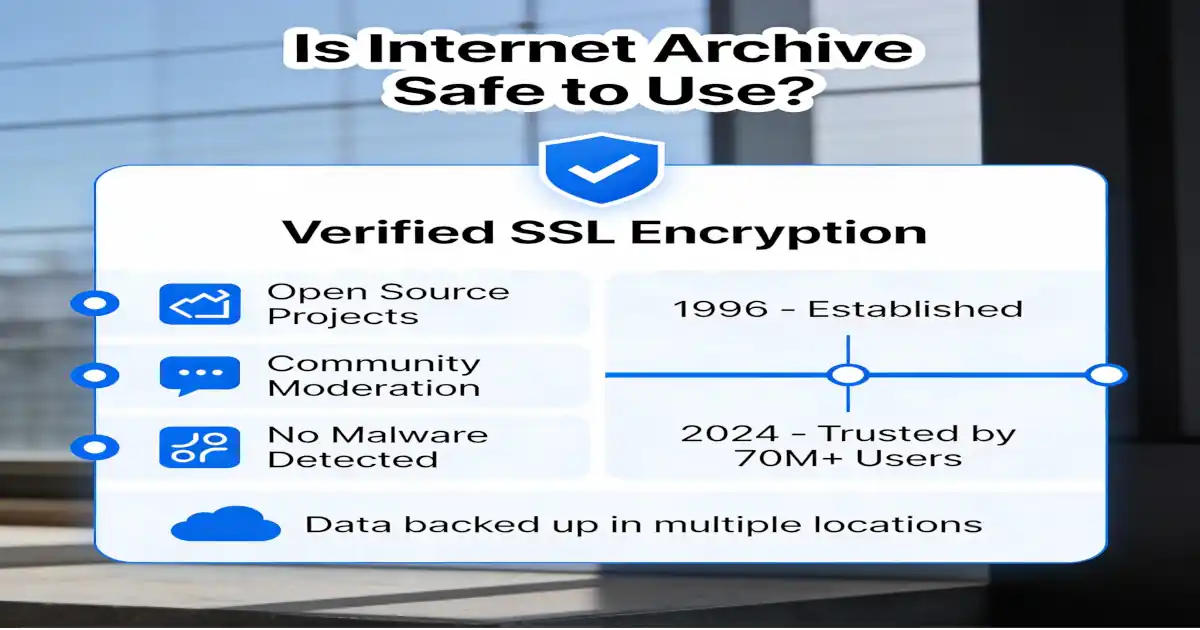
Yes, the Internet Archive (archive.org) remains a legit and highly reputable non-profit digital library in 2026. It’s widely trusted by researchers, educators, and everyday users for preserving web history, books, media, and more. Millions rely on it daily, and it’s considered one of the most valuable resources for accessing archived content.
What is the Internet Archive?
Internet Archive helps people see old websites. The website started in 1996. It saves web pages from the past. You can visit websites that no longer exist. The service runs as a non-profit organization. Millions of people use it every day.
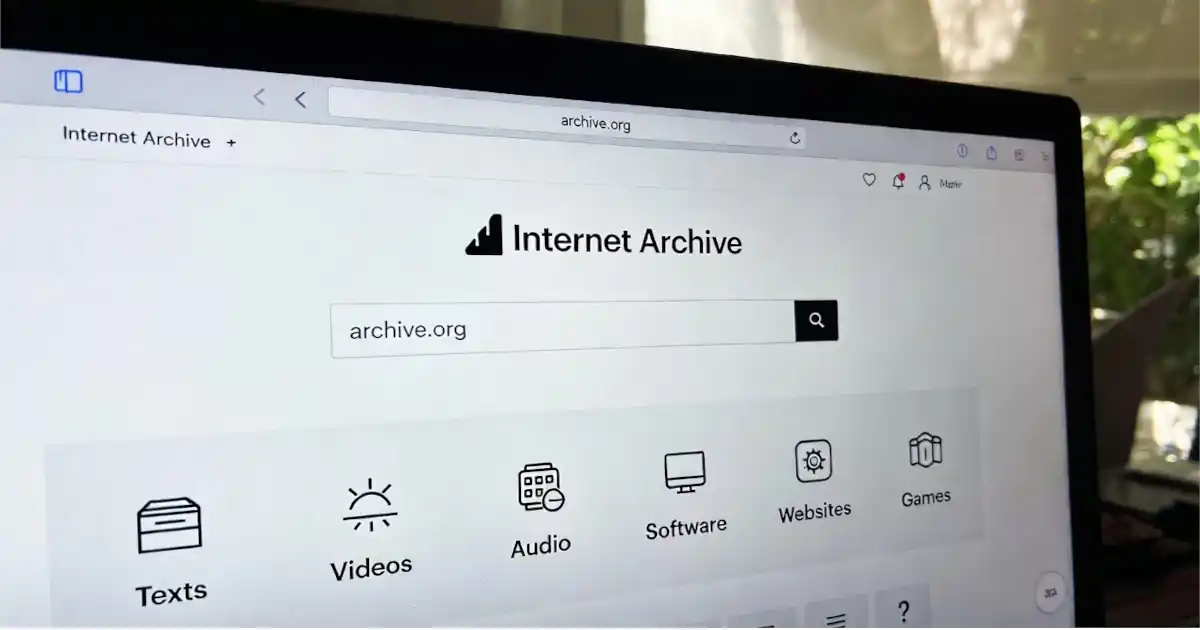
The Wayback Machine is their most popular tool. It shows you how websites looked years ago. You type in any website address. The tool shows you saved copies. Some pages go back over twenty years.
Understanding the 2024 Security Breach
In 2024, the Internet Archive faced a security problem. Hackers broke into their system. They accessed some user information. Email addresses and passwords got exposed. The organization acted quickly to fix the problem. They told all users about the breach. The team reset everyone’s passwords. New security measures were added immediately. The organization learned from this mistake. They now have stronger protection systems.
This breach doesn’t mean the service is unsafe now. Many large websites face similar attacks. What matters is how they responded. The Internet Archive took the right steps. They remain committed to user safety.
Safety of Viewing Archived Web Pages
Looking at old web pages is mostly safe. The Wayback Machine shows you saved copies. These pages cannot harm your computer directly. The system automatically removes the most dangerous elements. However, some risks still exist. Old websites might contain outdated links. These links could lead to harmful sites. The archived pages don’t update their content. What was safe in 2010 might not be safe now.
Never enter passwords on archived pages. Don’t type credit card numbers either. These old pages are just for viewing. Treat them like museum exhibits you can see but not touch. Some archived sites ran old software. That software had security holes back then. The Wayback Machine tries to disable dangerous scripts. But some active content might still run.
Downloading Files from the Archive
Is Internet Archive safe from viruses, and are files from Internet Archive safe to download?
For most uses, like viewing Wayback Machine snapshots, reading digitized books, or streaming media, it’s very safe. The site uses HTTPS, and archived web pages are static copies with many risky elements (like active scripts) disabled or sanitized.
Internet Archive offers many downloadable files. You can get books, music, and software. Most downloads are completely safe. The organization scans files for problems. Books in their library are generally trustworthy. They come from verified sources. The digital lending system works like a real library. You borrow books for a set time period.
Software downloads need more caution. Old programs might not work properly. Some could have security issues. Always scan downloads with antivirus software. Check file reviews from other users first. Movies and music files are usually safe. These media files rarely contain viruses. The community helps verify file quality. Bad files get reported and removed.
Protecting Your Personal Information
Is the Internet Archive safe to use with personal data? You should create an account carefully. Use a unique password for this site. Don’t reuse passwords from other websites. The site collects basic information only. They ask for your email address. They track which pages you visit. This data helps improve their services.
After the 2024 breach, change your password regularly. Enable any security features they offer. Don’t share sensitive information in your account. Keep your profile details minimal. The privacy policy explains data collection clearly. Read it before creating an account. Understand what information they keep. Know how they use your data.
Legal and Copyright Concerns
Is internet archive safe to use legally? This question has complicated answers. The organization follows copyright laws carefully. They respond to removal requests quickly. Publishers have sued the Internet Archive recently. The lawsuits focus on book lending practices. Courts are still deciding these cases. The legal landscape keeps changing.
Using archived pages for research is generally legal. Schools and universities approve this use. Looking at historical content falls under fair use. Downloading copyrighted material is different, though. Don’t use the archive to avoid paying for content. Respect copyright holders’ rights. Use archived material for education and research. Never redistribute downloaded copyrighted files.
When to Avoid Using Internet Archive
Some situations require extra caution. Don’t use archived pages for financial research. Stock prices and market data are outdated. Make decisions based on current information only. Avoid archived pages requiring login credentials. These pages are not secure anymore. The saved forms don’t actually work. Entering information accomplishes nothing and risks security.
Medical information from old pages can be dangerous. Health advice changes with new research. Always consult current medical sources. Don’t trust health tips from archived websites. News articles in the archive show historical perspectives. Don’t mistake old news for current events. Always check dates on archived content. Verify important information with current sources.
Best Practices for Safe Usage
Always check the archive date first. Know when the page was saved. Understand that information might be outdated. Compare archived content with current versions. Use good antivirus software on your computer. Keep your browser updated regularly. These tools protect you from potential risks. They catch problems before they harm you.
Bookmark trusted archive pages for reference. Save URLs of frequently used archives. This prevents typing mistakes in addresses. Fake websites sometimes copy legitimate archive URLs. Read user reviews before downloading files. Check how many people downloaded the file. Look for comments about file quality. Community feedback helps identify problems.
Comparing Internet Archive to Alternatives
Archive. today offers similar services with different features. It saves web pages on demand. The service works faster for recent pages. However, it lacks historical depth. Perma.cc targets academic and legal users specifically. It creates permanent records of web pages. Law schools and journals use this service. The archives are guaranteed to stay available. Google Cache used to show recent snapshots. This service has been discontinued. Internet Archive remains the largest option. No other service matches its historical coverage.
The Value of Internet Archive
Despite safety concerns, the archive provides immense value. It preserves our digital history carefully. Deleted websites would disappear forever otherwise. Researchers depend on this resource daily. The organization saves over 735 billion web pages. This collection grows every single day. No commercial company provides this service. The non-profit model ensures long-term availability. Students use the archive for school projects. Journalists verify claims using old articles. Lawyers find evidence in archived documents. The service helps people in countless ways.
Making Smart Decisions About Safety
Is internet archive safe to use overall? The answer depends on how you use it. Following safety guidelines makes the experience secure. Ignoring precautions increases your risk unnecessarily. Think of it like visiting a library. Libraries are generally safe places. But you still follow basic safety rules. You don’t share personal information with strangers. You verify information from multiple sources. The same principles apply to the Internet Archive. Use the service for legitimate purposes. Protect your personal information carefully. Question old information and verify facts. Download files from trusted sections only.
Is Internet Archive legit?
Yes, the Internet Archive (archive.org) is completely legit. It’s a well-established, non-profit digital library founded in 1996 by Brewster Kahle, operating as a legitimate 501(c)(3) organization in the United States. Far from being a scam or shady site, it’s widely regarded as one of the most important projects for preserving digital history, with over a trillion web page snapshots in the Wayback Machine, plus vast collections of books, music, videos, software, and more.
Major institutions trust and rely on it:
- Universities, libraries, researchers, and journalists use it daily for historical research and verification.
- In 2025, it was officially designated as a federal depository library by U.S. Senator Alex Padilla, making it an authorized online source for public government documents—something only granted to trusted, non-profit entities.
- Wikipedia, news outlets, and fact-checkers frequently cite Wayback Machine archives as reliable evidence of past web content.
Internet Archive malware scanning policy
Internet Archive malware scanning policy involves scanning many uploaded files with antivirus tools to detect potential threats. They aim to flag and remove problematic content, and community reports help identify issues quickly. However, because it’s an open platform with user uploads and vintage software, there’s no guarantee—especially for old executable files, games, or programs that might contain era-specific malware (even if unintentional). Recent sources note that files on Internet Archive are generally low-risk for media like books, music, videos, or PDFs, but caution is advised with downloads of executables or software.
Is Internet Archive safe to download from?
Yes for most content, but always:
- Scan downloads with up-to-date antivirus software.
- Stick to well-reviewed or high-download-count items.
- Avoid running old executables unless you’re in a sandbox or virtual machine.
The 2024 breach (user data exposure) was serious but handled transparently—passwords were reset, and core archived content wasn’t affected. No major new incidents have been reported since, and services are fully restored with strengthened security. Occasional misuse (e.g., rare phishing uploads) happens on any open site, but the organization removes them promptly.
Internet Archive review in 2026
It earns strong praise for its mission—preserving over a trillion web pages and vast collections—but faces challenges like publisher blocks (e.g., NYT, Guardian limiting crawlers due to AI concerns), ongoing lawsuits over lending, and budget strains. Trustpilot and user feedback often highlight its immense value, though some note slow speeds or access limits. Overall, it’s seen as safe and essential, not a shady site.
If you’re worried about viruses or malware, treat it like any large archive: Use common sense, verify sources, and don’t input personal info on old pages.
Internet Archive Alternatives
For web archiving or similar needs, popular options include:
- Archive.today (Archive.is) — Great for on-demand snapshots, especially JavaScript-heavy pages (though it faced its own controversies in 2026, like DDoS allegations leading to blacklisting on Wikipedia).
- Perma.cc — Focused on permanent, academic/legal archiving with guaranteed availability.
- Memento Time Travel — Aggregates from multiple archives for broader coverage.
- Stillio or PageFreezer — More automated screenshot-based tools for businesses.
- Others like WebCite (older) or self-hosted tools (e.g., ArchiveBox).
These vary in depth—none fully match the Internet Archive’s massive historical scope, but they’re solid backups depending on your use case.
READ ALSO: Nadeshda Ponce SourcePoint: Transforming Digital Advertising Through Innovation
About the Author